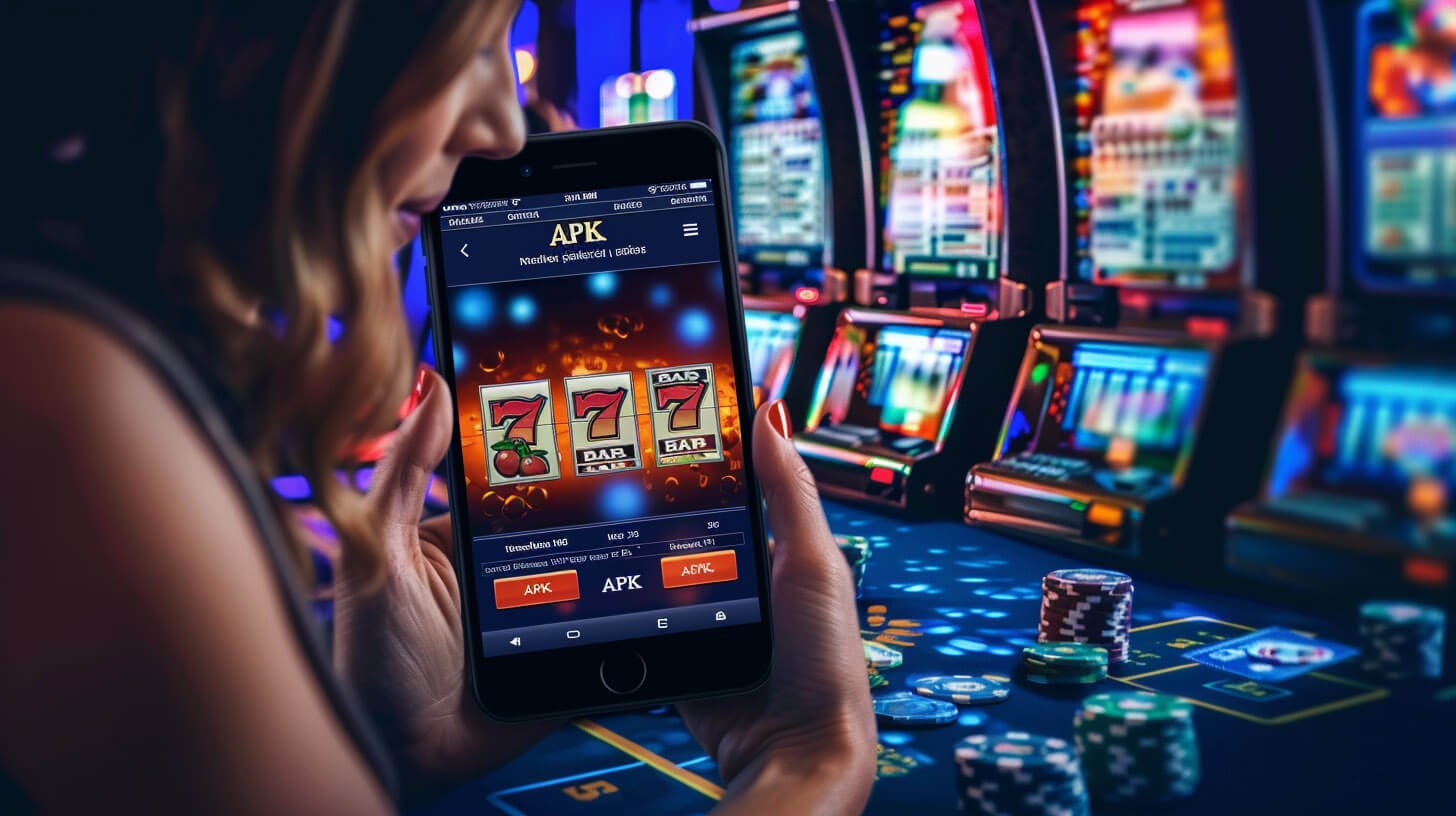
Why Filipino Players Use the mge777 App Every Day
The way most Filipinos access the internet has shifted almost entirely to mobile. Whether you are commuting on the MRT in Manila, on a break at a BPO office in Quezon City, or relaxing at home in Cebu — your phone is almost always within reach. The mge777 app is built around that reality. It is not a feature-reduced companion to a desktop site; it is the primary way most players interact with the platform.
What makes the app feel natural to Filipino users is not just the technical performance — it is the combination of a familiar interface, PHP currency throughout, and local payment options that do not require switching between multiple apps or manually converting currency. Everything from your initial deposit to checking a game result happens inside one place.
Games Available on the mge777 App
The mge777 app gives you access to the same categories available through the full platform:
- Slot Games — A wide selection of video slots covering different themes, volatility levels, and bet ranges. The slots interface on mobile is touch-optimised so spinning and adjusting bets feels natural on a touchscreen.
- Live Casino — Live dealer games including baccarat, roulette, and blackjack streamed in real time. The app handles live video streams well even on LTE connections, making live casino one of the most popular sections among app users.
- eBingo — All mge777 Bingo rooms are accessible through the app. The card display is adapted for portrait mode so you can track multiple cards comfortably on a standard phone screen.
- Sports Betting — Place bets on basketball (PBA and NBA), boxing, football, volleyball, and esports directly from the app. Live betting with in-play odds updates is supported.
Depositing and Managing Your PHP Balance
The mge777 app connects directly to your PHP wallet, so depositing and checking your balance is straightforward. The deposit section in the app supports the same local payment methods as the website — Philippine online banking, mobile banking apps, bank transfers, and e-wallets like GCash and Maya. Funds reflect in your balance promptly after a successful deposit so you can move into a game without delay.
All transactions throughout the app are in Philippine Peso. There is no currency conversion at any stage. The amount you see when you deposit, the card prices in eBingo, the bet values in sports, and the winnings credited after a successful round are all in PHP with no hidden conversion or foreign transaction fees.
For a detailed breakdown of deposit options and minimum amounts, visit the Deposit page.
Account Security on Mobile
Security on mobile is handled at the same level as the desktop platform. Every session uses SSL encryption, which means the connection between your phone and the mge777 servers is protected from interception. Login uses OTP (one-time password) verification as an additional layer — when you sign in on a new device or from an unfamiliar network, you will receive an OTP to confirm it is really you.
You can also manage account security settings directly within the app — including updating your password and reviewing recent login activity. If you ever notice an unfamiliar login, you can lock your account from within the app settings while you sort things out.

Device Compatibility — What Phones Does the App Run On?
The mge777 app is designed to run on a broad range of devices, not just flagship smartphones. For Android, the app is compatible with devices running Android 8.0 (Oreo) and above. This covers the majority of mid-range Android phones popular in the Philippines — including common models from Samsung, OPPO, vivo, realme, and Xiaomi that are widely used across Luzon, Visayas, and Mindanao.
For iOS, the home screen web app install method works with iPhones and iPads running iOS 14 and above. This covers most iPhones from the iPhone 8 onwards, which are common among Filipino iOS users.
If your device is older or you are unsure whether it meets the requirements, the mobile browser version of mge777 remains a fully functional alternative. Open the site in Chrome, Firefox, or Safari on your phone and you get access to the complete game library without any installation required.
Tips for Getting the Best App Experience
- Keep the app updated — when a new version is available, updating ensures you have the latest performance improvements and security patches. For Android APK users, check the mge777 App page periodically for new versions.
- Use Wi-Fi for live casino and live betting — live dealer streams and in-play sports odds updates are more stable on Wi-Fi. Mobile data works fine for slots and eBingo, but live games benefit from a consistent connection.
- Enable push notifications selectively — the app lets you choose which notification types to receive. Enabling alerts for eBingo draw results and sports event starts is useful; you can turn off general promotional alerts if you prefer fewer interruptions.
- Log out when using shared devices — if you ever access mge777 on a shared phone or tablet, use the log out option in the app menu before handing the device back. Your session does not time out automatically on all device types.
New to mge777? You need a verified account before you can play or deposit through the app. Registration is free and only takes a few minutes. Head to Register to get started, then download the app once your account is set up.
21+ Only. The mge777 app is for entertainment. Set a deposit limit, use session timers, and take regular breaks. If gaming stops being enjoyable, step back. For tools and guidance, visit Responsible Gaming.